 tempmail



Temp Mail iOS App: one‑tap inbox, spam-free signups
Temp mail is coming to iOS soon. Create a temporary mail address in one tap to receive OTPs and signup links without spam in your real inbox. Get notified.
Temp Mail Mobile App
One tap. No sign-up. Auto-expires. Free forever.
 Coming soon!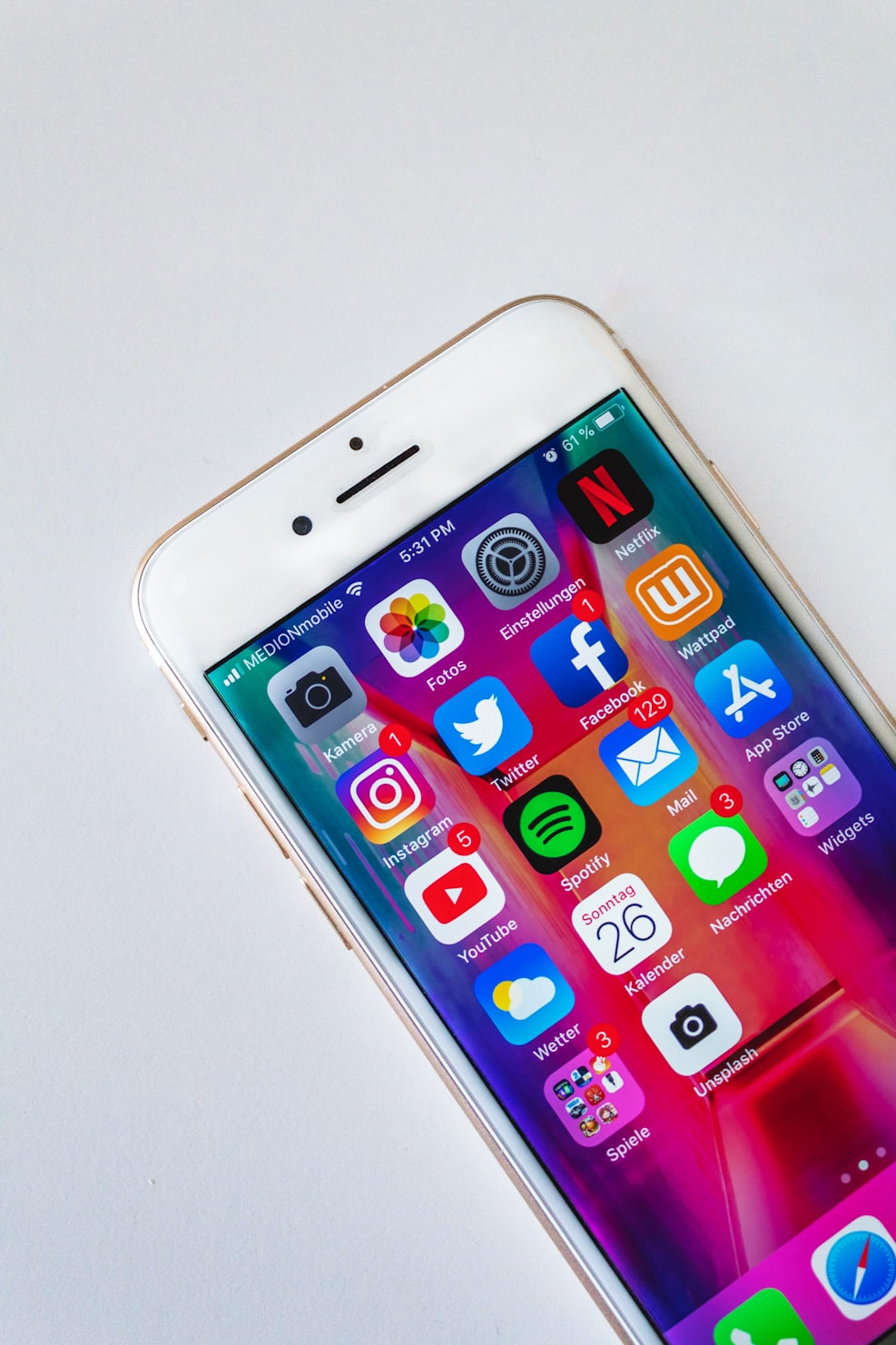
How it works
Three simple steps to get a disposable email address and keep your inbox clean.
Open the temp mail app and tap once to generate a new temporary email address instantly
Copy the temp email address and paste it into any signup form, free trial or OTP verification flow.
Read incoming emails and verification codes directly within the app.
The temporary address automatically expires after a set period of time, keeping your real inbox clean and spam-free.
Generate a fresh email address instantly with a single tap! No signup, no setup, no hassle.
Temporary addresses expire automatically after a set period, reducing long-term spam and keeping things clean.
Perfect for receiving verification codes when services require email confirmation. Read codes right in the app.
Copy the address in one tap and paste it anywhere. Websites, apps, or forms.
Start using disposable emails immediately! No signup, no passwords, no personal info needed.
Emails are stored temporarily and automatically deleted when addresses expire. We don't track your usage.
Keep promos, newsletters, and marketing emails away from your personal inbox.
Generate as many temporary addresses as you need.
" Perfect for OTPs and verification codes! I use it whenever a service insists on email verification. No more spam in my real inbox, and it's so fast! Just one tap. "

Sarah Chen
Product Designer
" I love using this temp mail app for free trials and newsletter signups. My personal email stays clean, and I don't have to worry about companies selling my address. The auto-expire feature is brilliant. "

Marco Johnson
Software Engineer
" As someone who tests apps frequently, this is a game-changer. I can generate multiple addresses quickly without cluttering my main inbox. Simple, fast, and exactly what I needed. "

Alex Ramirez
QA Tester
FAQ
Quick answers about disposable email, expiration, and common use cases.
Temporary email addresses expire after a set period of time (typically a few hours to a few days). This helps keep your inbox clean and reduces long-term spam. Once expired, the address can no longer receive emails.
No sign-up required. Open the temp mail app, tap to generate an address, and start using it immediately. No registration, no passwords, no hassle.
We recommend using disposable emails for one-time verifications, free trials, newsletters, and untrusted signups. For important accounts like banking or healthcare, use your real email address.
Yes. Emails are stored temporarily and automatically deleted when addresses expire. We don't store your personal information or track your usage patterns.
Disposable email addresses are receive-only. They are designed for one-way communication like OTPs, verification codes, and newsletters.
Yes, the temp mail app is completely free to use. Generate as many temporary email addresses as you need without any subscriptions or hidden fees.
Get started in seconds. No sign-up required. Free forever.
Coming soon!Explore our collection of articles, guides, and tutorials on web development, design trends, and using Temp Mail effectively for your projects.
Temp mail is coming to iOS soon. Create a temporary mail address in one tap to receive OTPs and signup links without spam in your real inbox. Get notified.

Simple, practical steps to keep your personal info safer online, reduce tracking, and cut down on spam. Such as using a temporary email address for signups, OTPs, trials, and newsletters.